
rabbit OS3
start with the thought.
say what you want to make, find or finish. OS3 works through the steps, so you don't have to work through them all yourself.
try OS3the operating system you don't operate.
you wanted a result. somehow, you ended up learning the software. find the app. learn the menu. copy this. paste that. repeat.
OS3 starts with what you're trying to achieve instead. tell it what you have in mind, even if the thought isn't finished. it works through the steps and comes back when a decision is genuinely yours.
- a thought on the walk home
- ask OS3 to start the job on your connected computer. you don't have to wait until you're sitting in front of it.
- research you can actually use
- turn scattered information into a clear comparison or a finished presentation. not another pile of links to work through.
- that folder you keep putting off
- have OS3 sort and rename the files on your connected computer, instead of doing them one at a time.

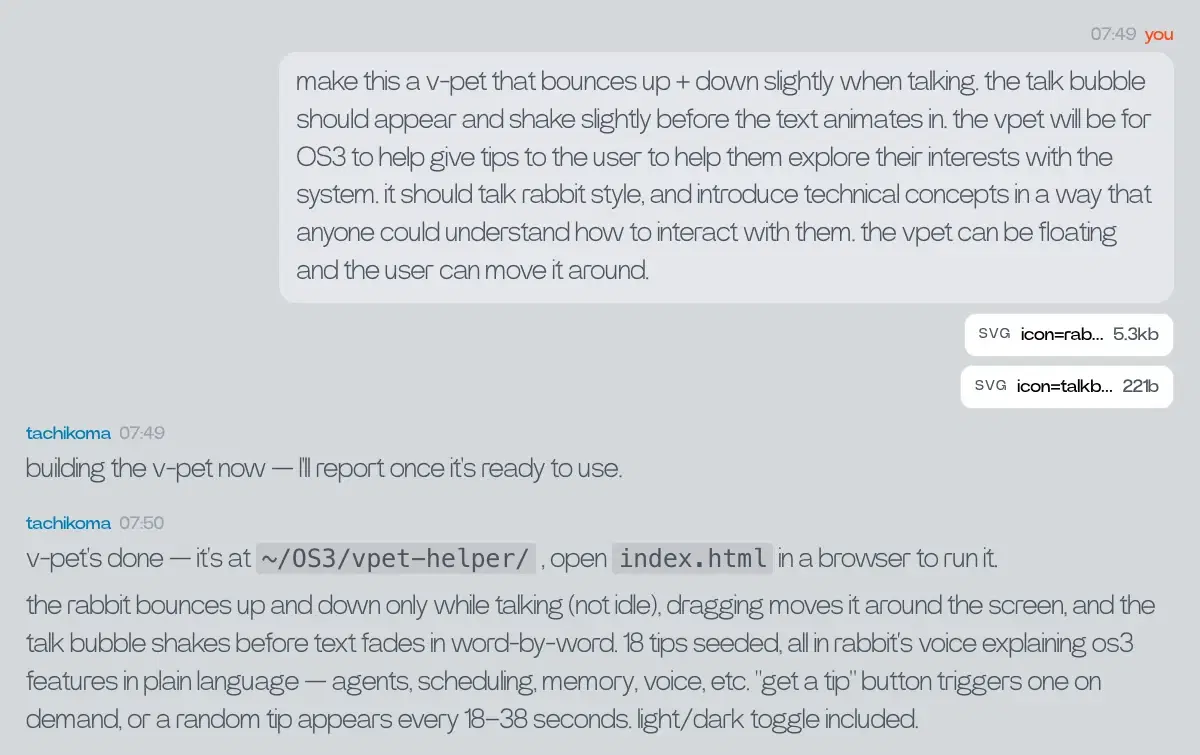
the computer stops being something you operate. it becomes something you direct.
pick up where you left off.
your next request shouldn't need your whole backstory.
OS3 keeps memory and relevant context around your work. bring in what matters. correct it when something changes. spend less time explaining the setup and more time moving forward.
and you don't need to watch every step. start a longer task, close the tab, and let OS3 keep working while you do something else.
- less starting over
- the context and preferences you've shared can carry into the next request. you're building on a conversation, not beginning from nothing.
- less waiting around
- hand over a longer job without keeping its window open. come back to the work, rather than staying to watch it happen.
- more you can hand over
- bring in compatible skills for the jobs you want OS3 to take on, rather than building every useful process from scratch.
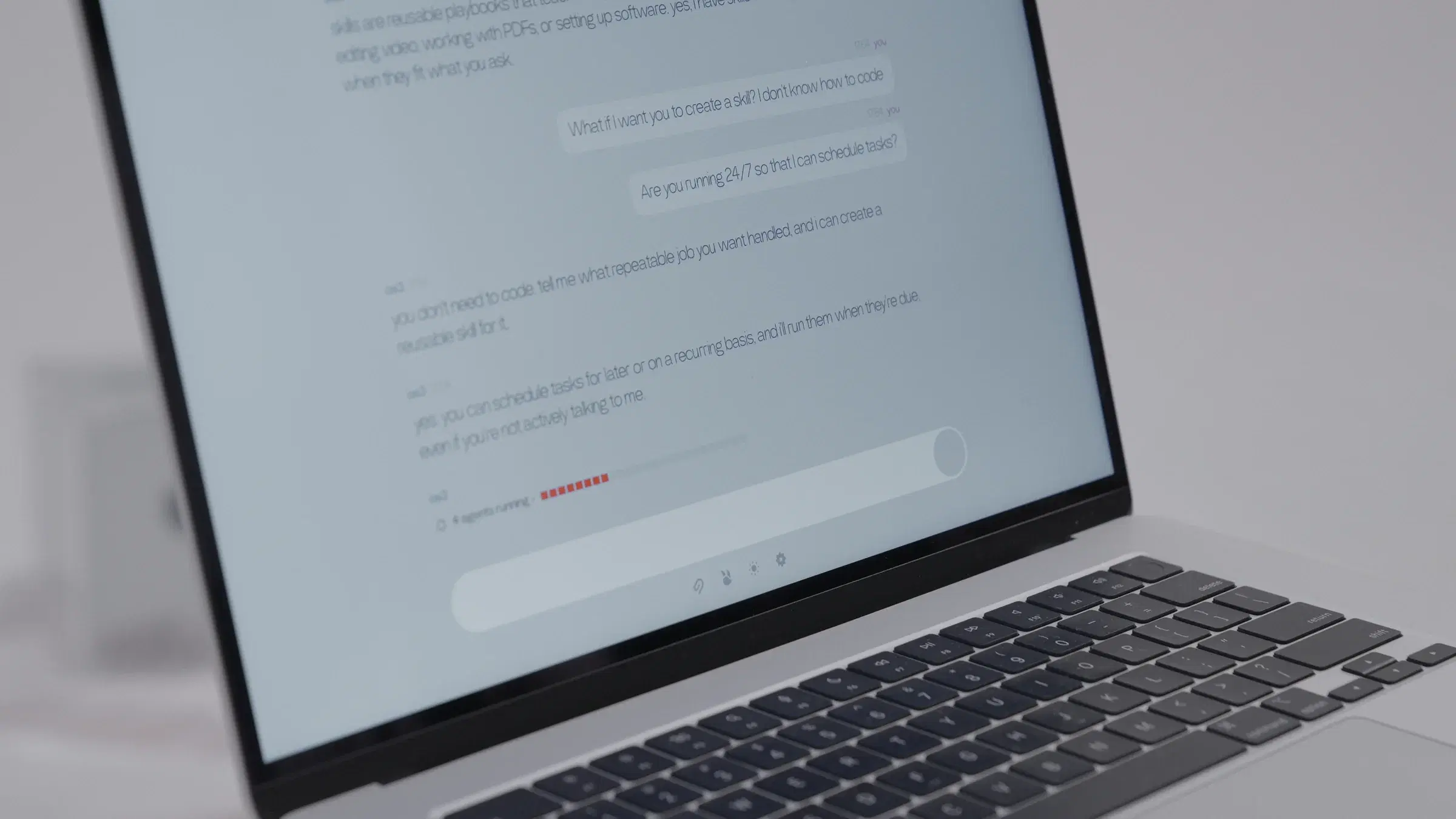
you move on. the work doesn't have to stop.
your AI shouldn't be stuck in an app.
an answer in a chat isn't the same as a job done. not when the files, software and next steps are somewhere else.
OS3 can work where the task is. reach it on the web, in Telegram or through r1. connect your computers so it can work with the files and tools already there. less carrying things between windows. less waiting until you're back at your desk.
- wherever you are
- start or check work on the web, in Telegram or by speaking to r1. each keeps its own thread, drawing on shared memory and context.
- where your work already lives
- OS3 can use the files and tools on your connected computers. one task can involve more than one machine.
- through the software, too
- when a task needs to see the screen and work through an app, OS3 can use DLAM, with your permission.

the help comes with you. the work happens where it needs to.
change the AI. keep what makes it yours.
you've shared the background. connected your computers. found ways of working that suit you. choosing a different model shouldn't mean doing all of that again.
with OS3, your memory, skills and connected computers stay with you when you change your model setup. bring your own API key from a supported provider and choose what powers your OS3, without rebuilding everything around it.
keep what you've built. bring your own key.
OS3 on your desktop.
prefer an app to a browser tab? OS3 runs natively on your own machine, with the same conversations, memory and connected computers as the web.
version 0.1.0 — sign in with the rabbit account you already use.

start with something that matters to you.
a job you keep putting off. an idea you haven't had time to try. tell OS3 what you have in mind.